eTop-Up & SIM Activation
mPOS Smartphone Application
Sell and distribute mobile top-ups in the field from a smartphone — no POS terminal required, with SMS delivery and real-time balances.
The mPOS (Mobile Point of Sale) smartphone application facilitates the sale and distribution of mobile top-ups without the need for access to a POS terminal. Using a mobile app allows for more flexibility and convenience when making sales in the field: merchants can sell and distribute top-ups to customers via SMS, log transactions, and keep track of their credit limits and outstanding invoices.
A Logical Workflow
The app is designed to be intuitive and provide a logical workflow for all users, with functions requiring only a small number of clicks for each task. Everything necessary for day-to-day business can be done through a small number of screens, menus and button-clicks.
Product Lists and PIN Sales
The product lists are a catalogue of top-up products from which the merchant selects what they want to sell, updatable from the application so the user is always selling the latest products. Products — usually mobile phone top-ups activated with or without a PIN number — can be sold and sent to the customer by SMS.
Real-Time Account Management
Transaction history can be monitored in real time and previous transactions for a defined period reviewed, making account management simple. Salesmen can review their current credit or debit balance and overdue payment amounts, add credit to their account, and claim products directly from the app, facilitating the commission process — all presented in real time.
GPS Logging and Security
The Back Office has GPS logging, so when the merchant logs in to the mPOS application their location is recorded. The application is designed with security as a priority: users must log in with their unique ID credentials before beginning a new session.
Why a Smartphone Beats a Handheld POS
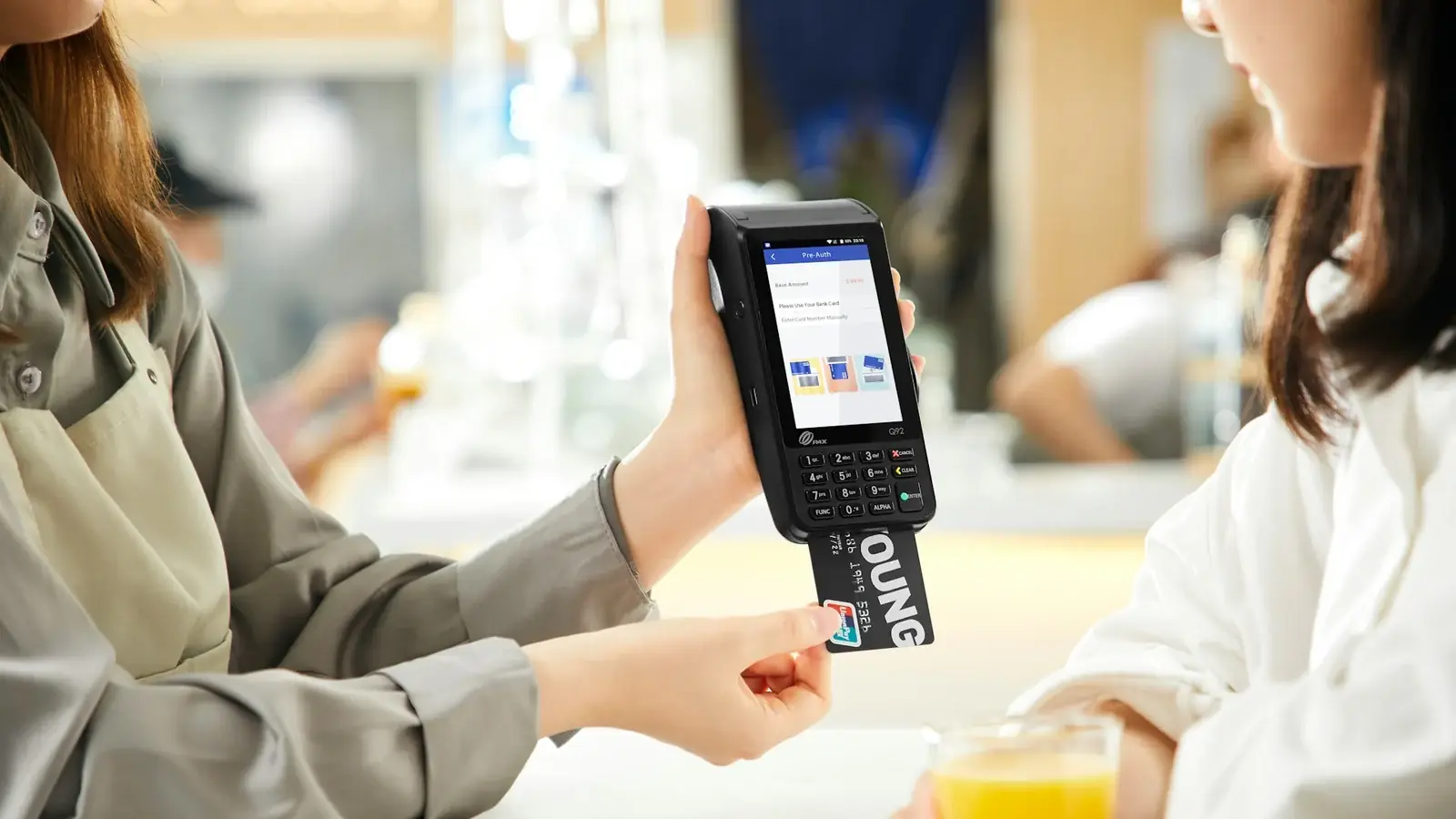
In markets where merchants and salesmen do not operate from fixed locations, alternative solutions to the POS terminal are needed. Handheld POS devices are not particularly user-friendly due to their keypad and menu interfaces and limited functionality; feature development is difficult and the devices are expensive. By using a smartphone as a mobile POS, users enjoy better connectivity, faster processing and a more intuitive way of interacting with the device — Ogloba's mPOS smartphone application is the all-in-one solution.
FAQ
What equipment does a merchant need to sell top-ups with mPOS?
Just a smartphone — no POS terminal is required. The app lets merchants sell and distribute top-ups to customers via SMS, log transactions, and keep track of credit limits and outstanding invoices in the field.
Can salesmen manage their accounts from the app?
Yes — transaction history is monitored in real time, and salesmen can review their credit or debit balance and overdue amounts, add credit to their account and claim products directly from the app, facilitating the commission process.
Why use a smartphone instead of a handheld POS device?
Handheld POS devices have limited functionality, unfriendly keypad-and-menu interfaces, difficult feature development and a high price — a smartphone offers better connectivity, faster processing and a more intuitive way of interacting with the device.